iphone setup
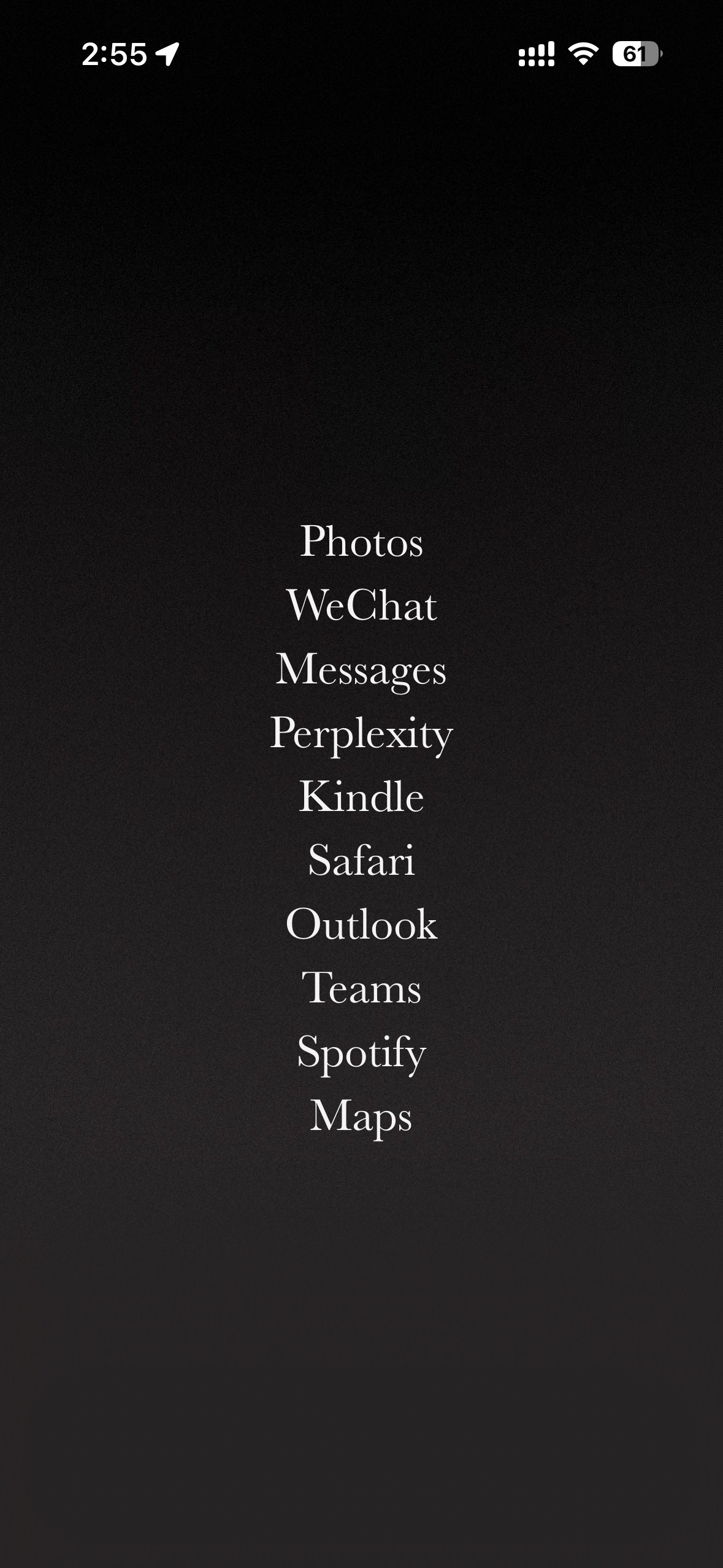
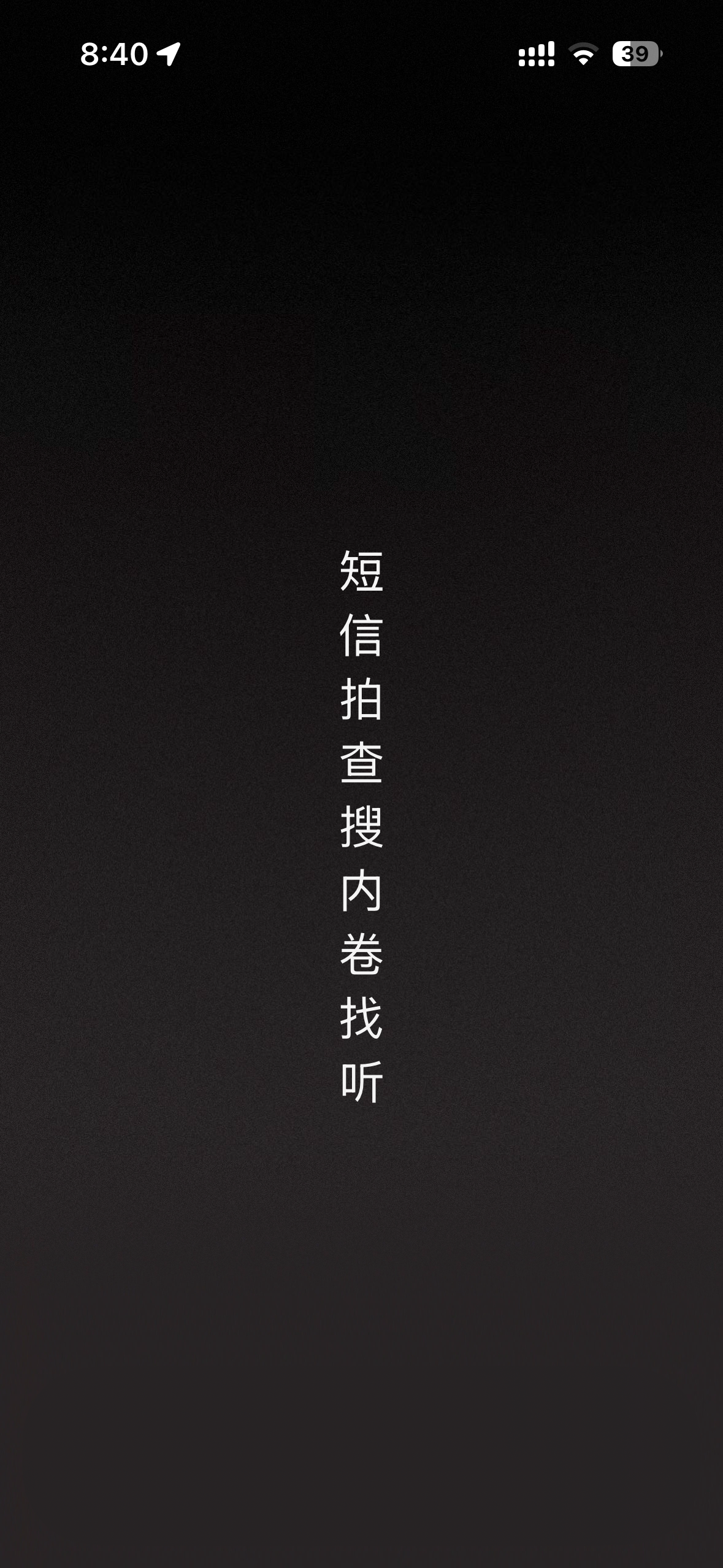
The iPhone homescreen is uninspired. This is a quick tutorial for my friends who want to achieve a more aesthetic homescreen
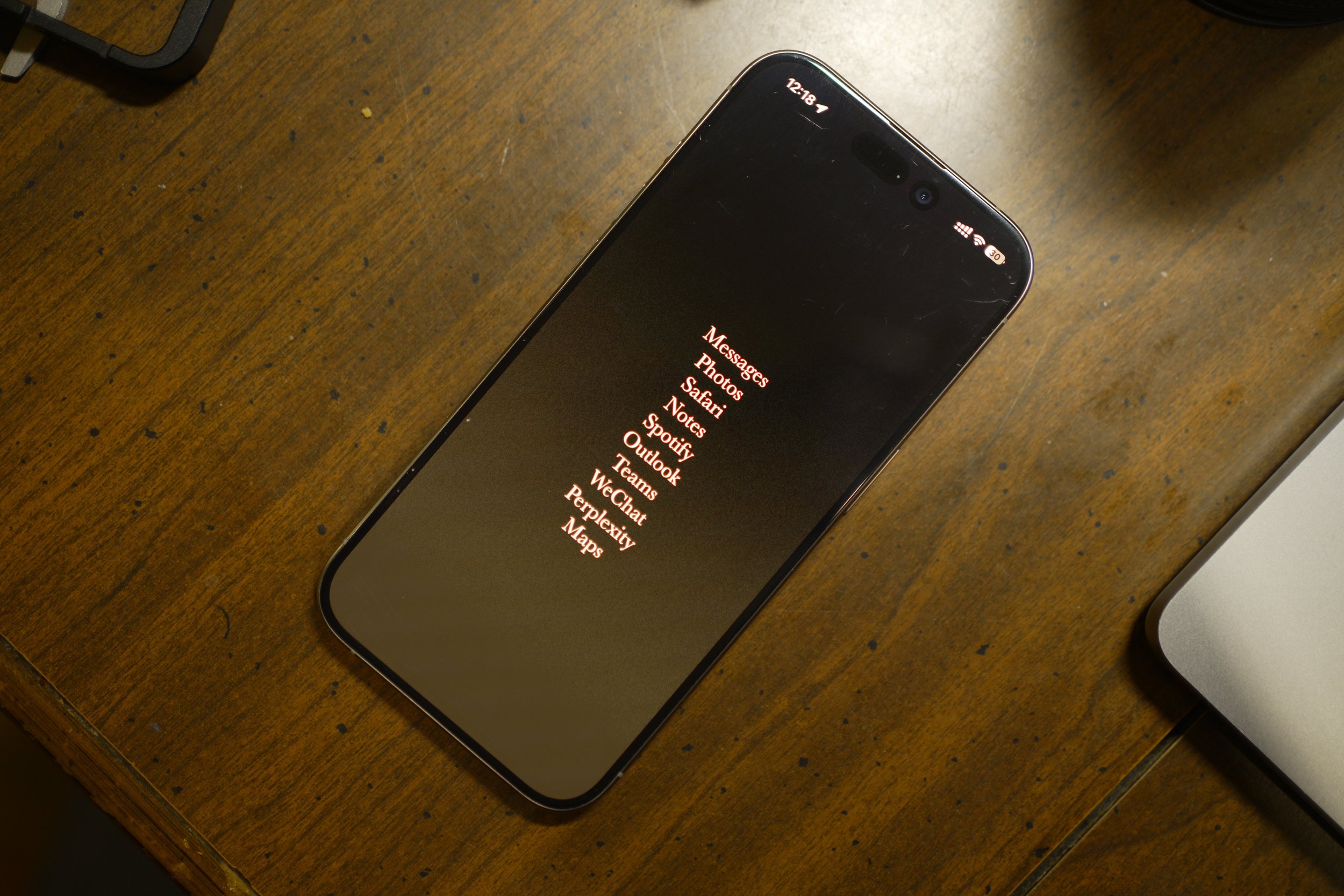
The iPhone homescreen is uninspired. This is a quick tutorial for my friends who want to achieve a more aesthetic homescreen, ala:
(a) it's fully customizable
(b) no semblance of a 'dock' or, even grosser, a 'Dynamic Island'
(c) be useful, ie. still be able to launch apps.
Combining a+c is actually the easiest part. Widget-masked shortcuts masquerading as apps work well for this purpose. Oddly, b requires the most effort.
In dark mode, the dock appears semi-translucent grey while the Dynamic Island renders black. iOS aggressively compresses wallpapers, causing banding and blotching in smooth gradients.
When compressing wallpapers, iOS uses JPEG's 8x8 DCT blocks, which causes visible banding in low-contrast areas. The encoder removes information it assumes won't be noticed, resulting in flat grey patches instead of smooth transitions.
To counter this compression artifact, I added noise diffusion in Photoshop before export. This technique introduces high-frequency variation that prevents adjacent pixels from being grouped into large, flat macroblocks, preserving gradient detail through the encoding process.
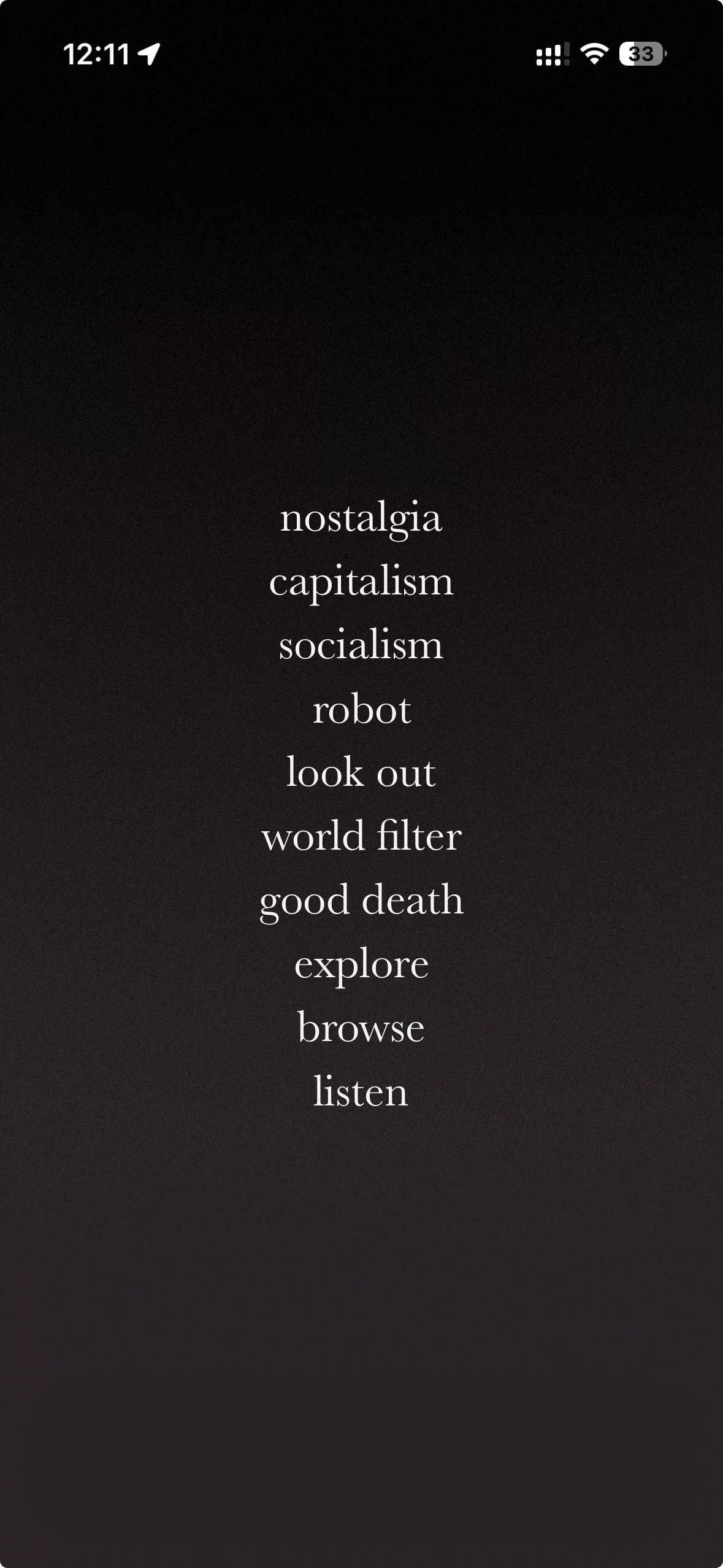
Widget Descriptions:
- nostalgia = photos
- capitalism = imessage
- socialism = wechat
- robot = microsoft teams (optimus)
- look out = outlook
- world filter = mail
- good death = gmail
- explore = maps
- browse = internet
- listen = music
Tutorial steps:
- Download the noise-textured wallpaper provided
- Download Blank Spaces Launcher App
- Follow instructions
- Enjoy the customized homescreen